
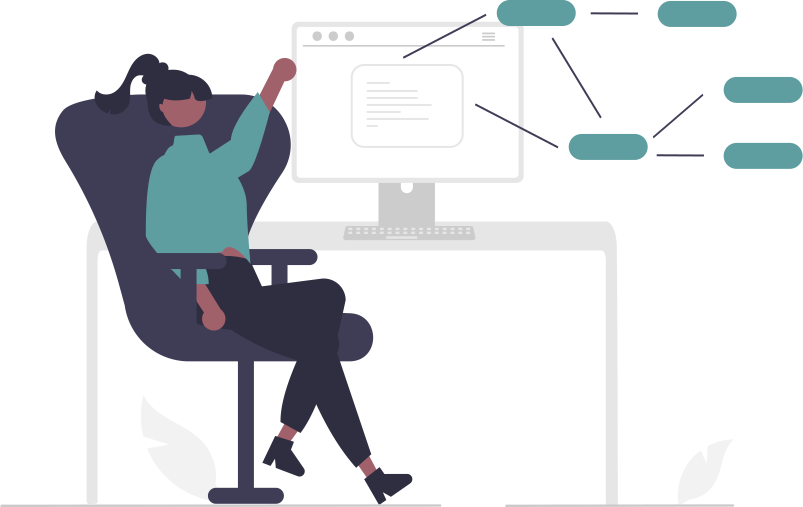
Timetable Generation Guide
5 Step Guide
This 5 step guide helps you generate your timetable efficiently and allows you to share it with your teachers, students, and the administrative circle. Once you have your information setup you will continue generating timetables as many times as you wish.
You wish you knew about this timetabling software for schools earlier.
Note:
Suitable for primary schools, junior and senior secondary schools excluding tertiary institutions.
Create an Account
Create an account to access the timetable generator using your credentials.
Register Teacher & Subject/Learning Areas
Register all teaching staff and all learning areas to be included in the timetable.
Subject/Learning Areas Assignment
Assign learning areas to teachers teaching them and their respective grades.
Generate Timetable
Once you have your data setup use the timetable wizard to generate your timetable.
Share Timetable
Share via email your generated timetable with teachers, students, and the administrative circle.
Why Choose Us
Why Ladybird Online Timetable Generator?

Conflict Free
Our timetable generator prevents scheduling conflicts by ensuring no teacher is teaching a subjects in two or more classes at a go.

Set Up Once Use forever
Once you set up your information, you use it forever without initial setup everytime you want to generate your timetable.

Sharability
Ability to share your timetable with teachers, students, and the administrative circle in just one click via the e-mail. You can also download the pdf file on your device.
Pricing
Check our Pricing
Starter Plan
- Admission and Administration Module
- Financial Management Module
- Report generation and Reciept printing
- Academic Management Module.
Business Plan
- Admission and Administration Module
- Financial Management Module
- Report generation and Reciept printing
- Academic Management Module.
- SMS fees confirmation, Students results
- M-Pesa intergration
Ultimate Plan

- Generate Timetable
- E-Mail timetable to teachers
- Regenerate up-to 3 times
- Download timetable in pdf
- In app customizations
- Shared Lessons configuration
F.A.Q
Frequently Asked Questions
- A teacher is not assigned to more than one class at the same time
- A class does not have two subjects in the same period
- Rooms and learning areas are not double-booked
- E-mailed directly to teachers
- Downloaded as PDF files for distribution
- Viewed online by the administrator